Design your shirt. See it on a mockup. Print it.
Start from one of 600+ ready-made designs or a blank shirt, add your text, stickers and photos on the front and back, then save a print-ready transparent PNG at 300 dpi. No account, nothing to set up.
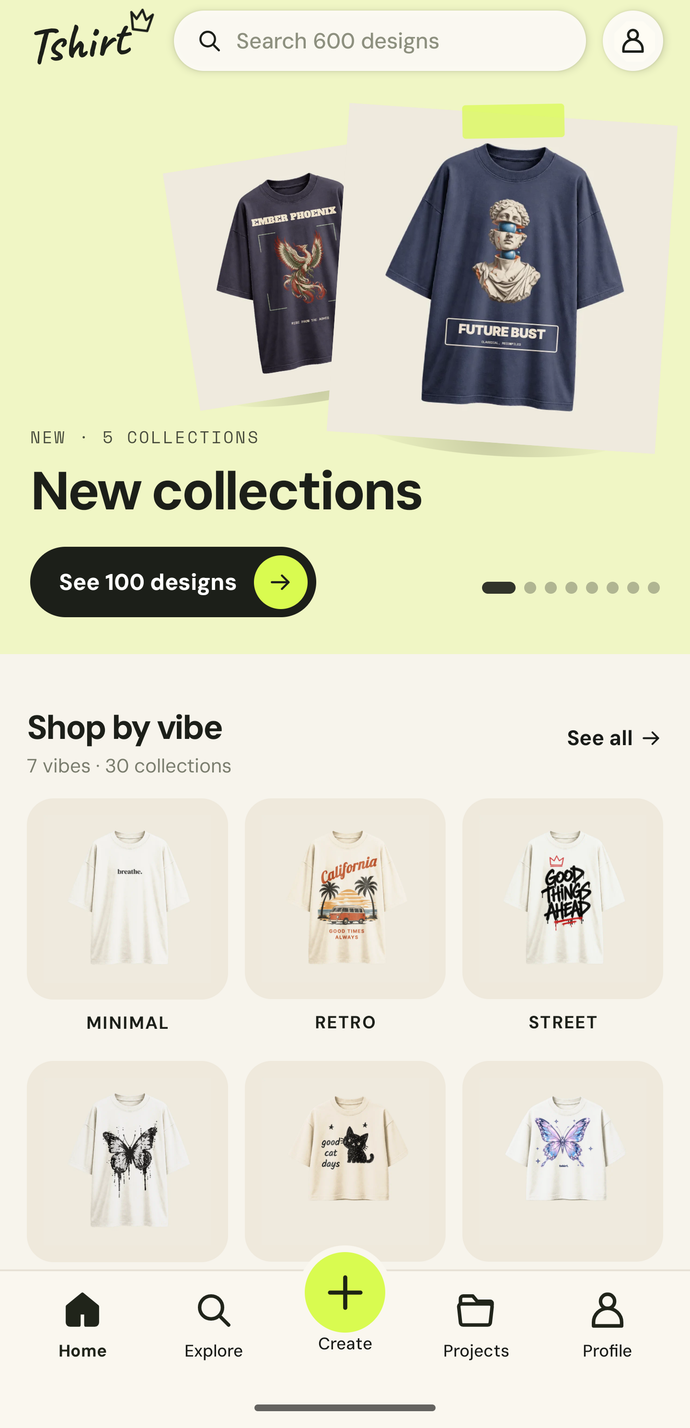
From idea to print file in a few taps
Pick a design, make it yours, and take the file to any print shop or print-on-demand store.
600+ designs in 30 collections
Browse by collection or vibe, from Minimal and Retro to Street, and open any design straight on a shirt mockup.
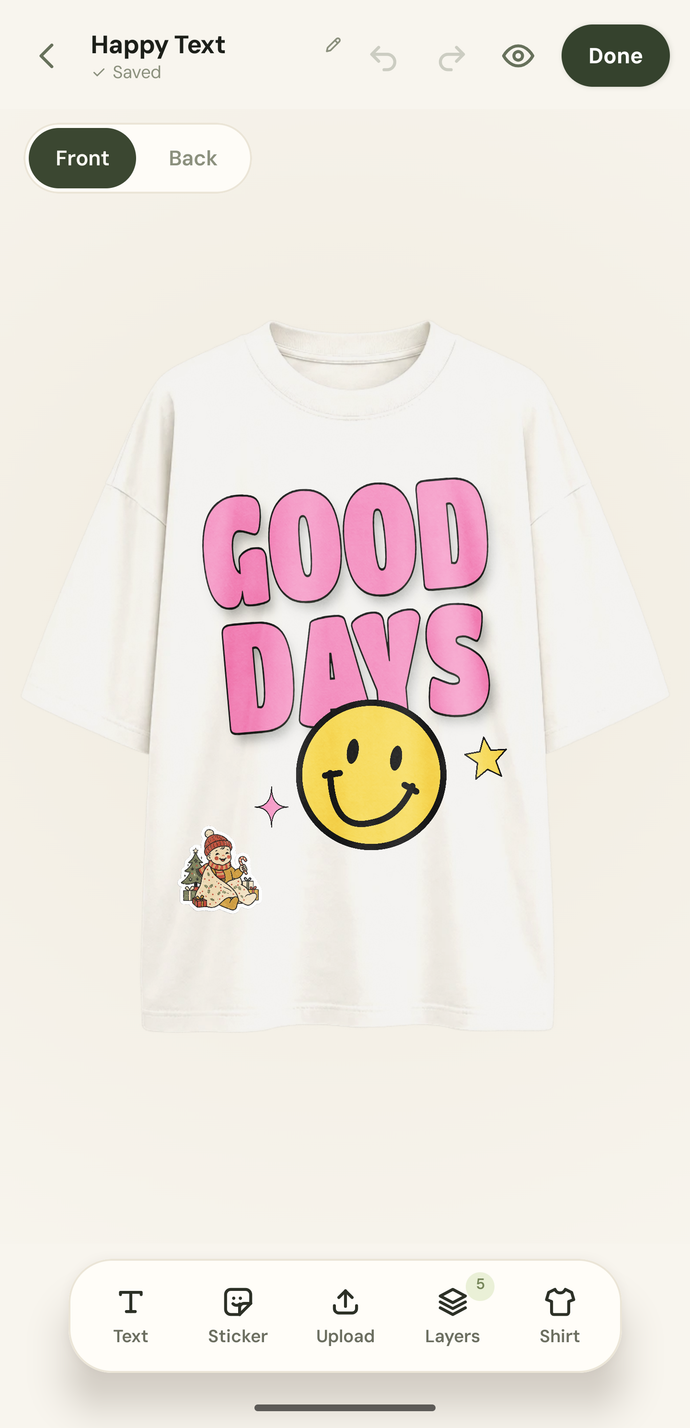
Edit the front and the back
Change the text, add stickers and artwork, drop in a photo with its background cut out, reorder layers and pick the shirt colour. Undo anything.
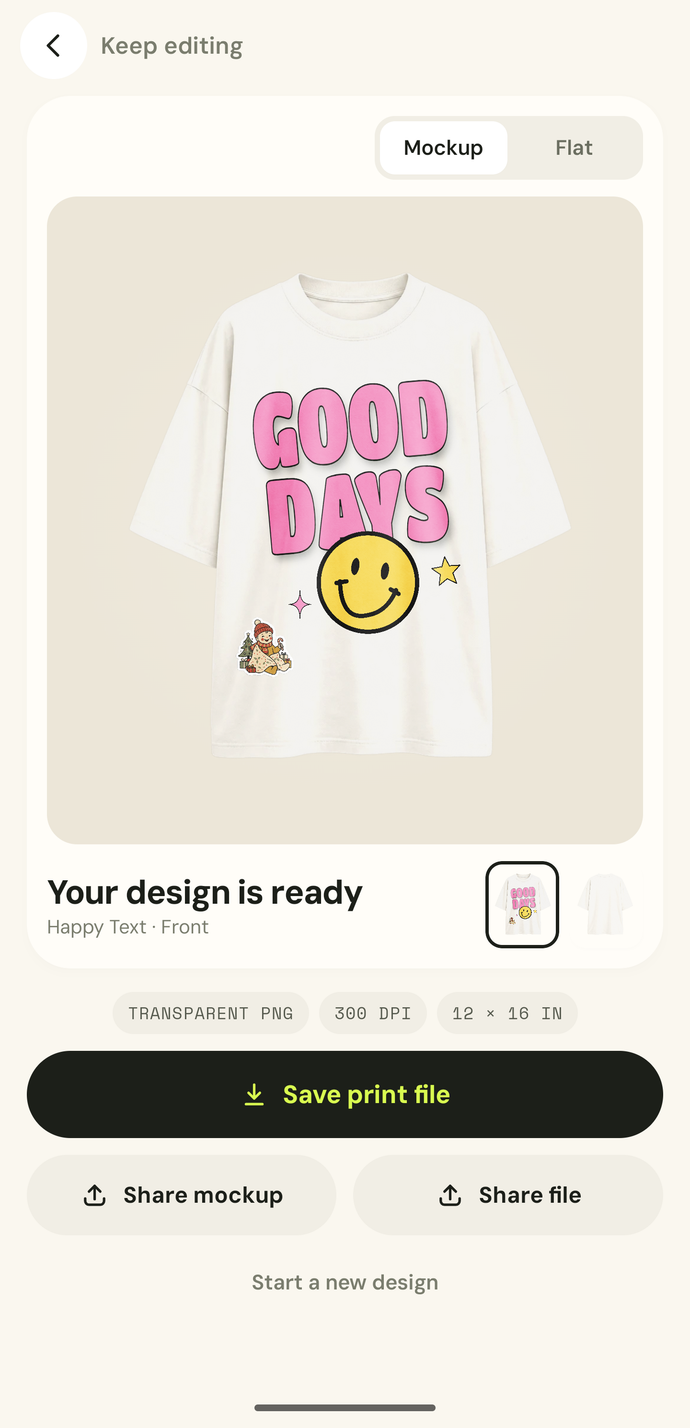
Print-ready export
Save each side as a transparent PNG at 300 dpi, sized 12 × 16 in, or share a picture of the mockup.
Everything else
The small things that make a shirt worth wearing.
AI stickers
Describe a sticker or start from a photo, pick a style (Vintage, Cute, Chrome, Mythic, Line or Retro) and drop it on your shirt. Included with Premium or with AI credits.
Photo cut-outs on your phone
Add a photo and the app lifts the subject off its background right on your device. Your photo is not uploaded to do it.
No account, no sign-up
Open the app and start designing. Your projects are saved on your phone.
Layers you control
Move, resize, lock, hide and reorder every piece of text and artwork.
Family-friendly by design
Every AI sticker is checked for all-ages content before you see it, and you can report anything that slips through.
Premium, if you want it
Remove ads and get a monthly allowance of AI stickers. Or buy AI credit packs that never expire.
Frequently asked questions
Anything else? Email us.
- Is the app free?
- Yes. Browsing designs, editing, adding photos and exporting print files are free, with ads. Premium is an optional subscription that removes ads and includes a monthly allowance of AI stickers. It renews automatically until you cancel it in your App Store or Google Play account.
- How do AI stickers and credits work?
- Each sticker you generate uses one sticker from your Premium allowance first, then one AI credit. Credit packs of 50, 100 or 200 never expire. If a generate fails, times out or is refused, nothing is used.
- What can’t I make with AI stickers?
- Stickers must be family-friendly. No nudity or sexual content, violence or weapons, drugs, alcohol, tobacco or gambling, hate or profanity, real people, or brands, logos and copyrighted characters. Requests like these are refused, and repeated refusals pause AI stickers for a while. If you see a sticker that breaks these rules, tap Report.
- Where are my designs saved?
- On your phone. There is no account and no cloud sync, so deleting the app deletes your projects. Export the print files of anything you want to keep.
- How do I get my design printed?
- On the Done screen, save the print file for each side: a transparent PNG at 300 dpi, 12 × 16 inches. Send it to a local print shop or upload it to your print-on-demand store. You can also share a picture of the mockup.
- I bought something on another phone. How do I get it back?
- Open the Profile tab and tap Restore purchases while signed in to the same Apple ID or Google account you bought Premium with. AI credits are different: they belong to the app on the phone you bought them on, and the stores can’t restore them, so they may not carry over if you delete the app or move to a new phone.
- How do I control ads and my privacy choices?
- Where the law requires it, the app asks for your consent before ads load, and you can change your answer any time in Profile → Privacy choices. Premium removes ads. Our Privacy Policy explains what the app collects.
- How do I contact you?
- Use Send feedback or Request a feature in the Profile tab, or email [email protected].